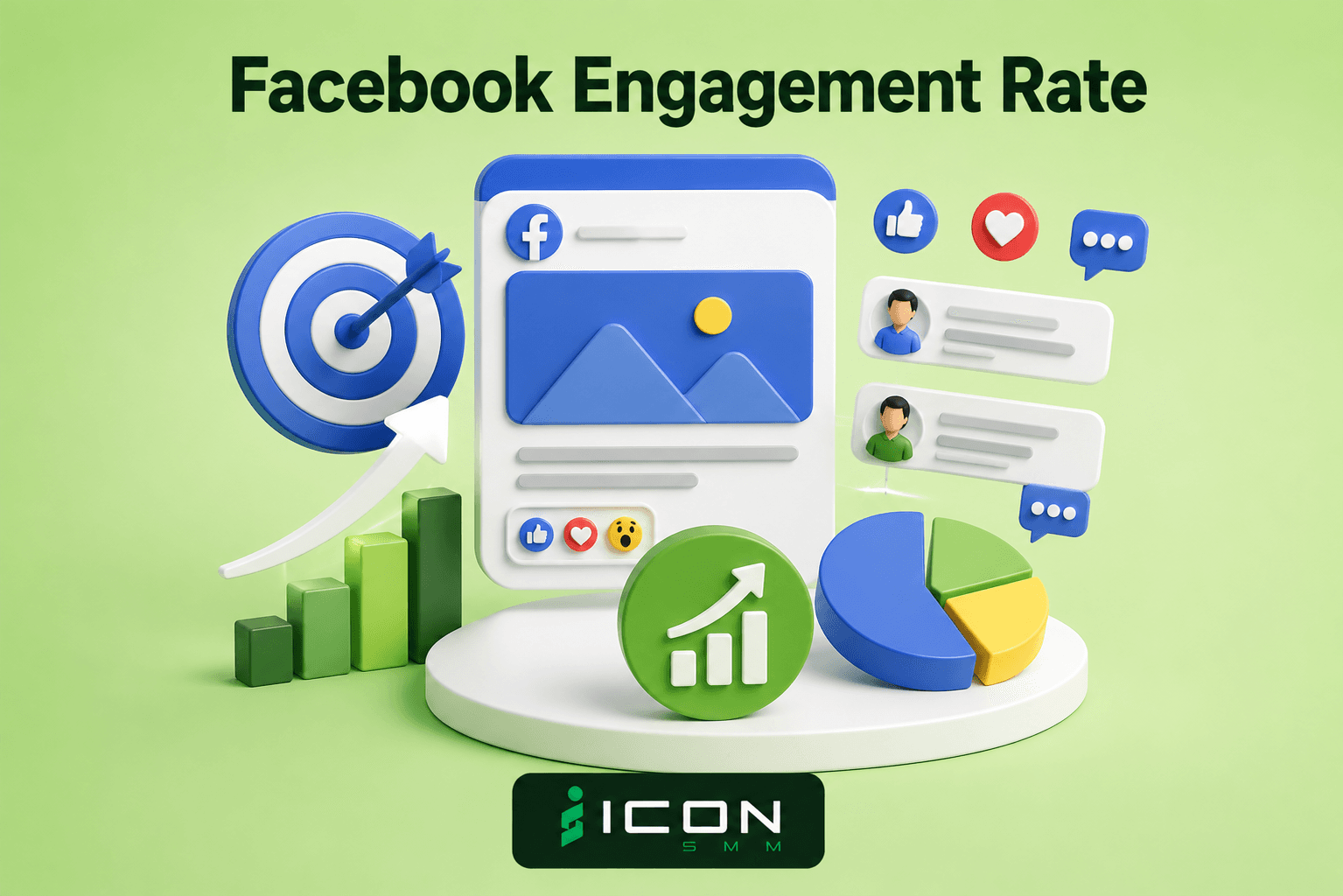
Facebook Engagement Rate – Complete Beginner Guide
Understanding your Facebook engagement rate helps you measure how well your posts connect with your audience. Calculating total likes, comments, and shares relative to your reach reveals the true strength of your content strategy, clarifies algorithm performance, and guides better social media growth decisions.

Taj Uddin Ahmed
Senior SEO Executive
Facebook Engagement Rate – Complete Beginner Guide
Are you struggling to know if your social media posts are working well? Many page owners focus only on total follower count. However, big follower numbers mean very little if nobody likes, comments, or shares your content.
Tracking your Facebook engagement rate is the absolute best way to measure true audience interest. It shows whether people actively care about your daily photos, videos, and business updates.
If you want your business page to get consistent reach, using a tailored facebook marketing service helps optimize your content strategy for maximum audience response.
What Is Facebook Engagement Rate?
Facebook engagement rate is a simple marketing percentage. It measures the level of action people take on your posts compared to how many people see them or follow your page.
When users scroll past your post without stopping, your engagement stays low. When they pause, watch your video, leave a comment, or share your image with friends, your rate jumps up.
Key actions that count toward your interaction score:
- Reactions: Likes, loves, laughs, support, and angry reactions.
- Comments: Words written by readers under your post, including sub-thread replies.
- Shares: Users reposting your content to their personal timeline, groups, or direct messages.
- Clicks: Taps on your images, video play buttons, profile links, or "See More" expansions.
How to Calculate Your Facebook Engagement Rate
You do not need to be a math genius to calculate your post score. Marketers use two simple formulas to track their results:
- Engagement by Reach (Most Accurate):(Total Actions / Total Reach) x 100
- Engagement by Followers:(Total Actions / Total Page Followers) x 100
For example, if your post receives 50 total reactions, comments, and shares, and 1,000 unique people saw that post on their screens, your calculation looks like this:
(50 / 1,000) x 100 = 5% Engagement Rate
Evaluating these metrics helps you plan a targeted facebook business page promotion strategy to find buyers who interact with your content daily.
Engagement vs. Reach vs. Impressions: Understanding the Difference
Before calculating your performance, it is important to understand the three core metrics reported in Meta Business Suite:
- Reach: The total number of unique people who saw your post at least once.
- Impressions: The total number of times your post appeared on screens (including multiple views by the same person).
- Engagement: The total number of active interactions (likes, comments, shares, clicks) performed on that post.
Calculating your engagement based on Reach gives you the most accurate picture of audience quality, as it measures how many unique viewers actually took action.
What Is a Good Facebook Engagement Rate? (Industry Benchmarks)
Average interaction numbers vary depending on your niche, audience size, and content style. Generally, smaller pages enjoy higher interaction rates than massive brand accounts.
According to social media research from Hootsuite, the overall average organic benchmark across all business pages sits around 1.5% to 2%.
Why Organic Reach Drops and How the Algorithm Works
The Facebook algorithm filters millions of posts every second to prevent feed clutter. The system evaluates posts based on three primary factors:
- Inventory: All available posts from friends, followed pages, and groups.
- Signals: Early user reactions, comment depth, post type, and posting time.
- Predictions: How likely a specific user is to comment on or share that exact topic.
If your post fails to earn early likes, the machine learning system assumes the content is not relevant and limits further distribution.
Industry guides from Sprout Social emphasise that posts generating fast comment discussions receive the longest feed visibility.
Practical Tactics to Improve Your Facebook Interaction Score

If your current numbers fall below 1%, small adjustments to your posting habits can rebuild your organic distribution:
- Post Short Vertical Reels: Short videos get top recommendation placement across user feeds.
- Ask Open-Ended Questions: Simple discussion starters naturally encourage readers to leave comments.
- Reply Within 30 Minutes: Answering user comments quickly boosts post velocity and encourages multi-turn conversations.
- Avoid External Links in Main Text: Place website links in the comments section to prevent the algorithm from penalizing reach.
Building an active base of real followers is the foundation of high reach. Learning how to get facebook page likes ensures your daily posts reach people who genuinely care about your updates.
How to Audit and Fix Low Engagement Posts
If a specific post underperforms, run this quick diagnostic check:
- Check Negative Feedback:Look at your post insights for hides, unlikes, or "report as spam" actions. High negative feedback kills reach instantly.
- Review Posting Time:Confirm whether the post was published during your audience's peak active hours.
- Analyze Media Format:Compare static image performance against video reels to see what your audience prefers.
To scale your overall brand reach fast, exploring professional facebook brand awareness services can help expose your posts to target customers in your area.
Best Tools to Track Social Media Metrics
Tracking your progress manually takes hours. Using specialized social management dashboards simplifies your workflow:
- Meta Business Suite:Free built-in tool to track reach, post clicks, and active follower hours.
- Social Analytics Dashboards:Third-party tools that calculate automated engagement averages over time.
- SMM Panels:Growth services that help build initial post activity and momentum.
Page owners looking for affordable growth options can review the best smm panel for facebook to find reliable tools, or explore affordable growth packages directly on our service pricing page.
Conclusion
Your Facebook engagement rate is the ultimate indicator of your page's overall health. By understanding the algorithm, monitoring reach vs. impressions, posting short reels, and engaging with your audience in real time, you can steadily increase your performance metrics.
If you are looking for complete social media growth solutions, expert campaign management, and reliable page boosting packages, check out our full range of services on Icon SMM.
Frequently Asked Questions
Why is engagement rate more important than follower count?
Follower count only shows how many people clicked follow in the past. Engagement rate proves how many people actually view, like, and talk about your content today.
What causes a sudden drop in Facebook engagement rate?
Sudden drops occur due to algorithm updates, publishing low-quality graphics, posting at off-peak hours, or sharing links that lead users off the platform.
Does posting too many times a day hurt my engagement rate?
Yes. Posting more than 2 or 3 times a day can divide your audience's attention and cause your own posts to compete against each other for reach.
Do Facebook Reels have higher engagement than static photos?
Yes. The algorithm actively suggests Reels to non-followers on main feeds, giving video content significantly higher interaction potential.
How often should I check my page engagement metrics?
Checking your analytics weekly or monthly gives you clear performance trends without getting overwhelmed by minor daily fluctuations.